
Reduce response and intervention times
A structured assessment and a timely diagnosis make it possible to quickly identify the cause of the problem and begin the most effective treatment plan.
Tailor-made solutions designed around your needs.
Start a custom project
Tailor-made solutions designed around your needs.
Start a custom project
Tailor-made solutions designed around your needs.
Start a custom project
Tailor-made solutions designed around your needs.
Start a custom project
Tailor-made solutions designed around your needs.
Start a custom project
Tailor-made solutions designed around your needs.
Start a custom project
Tailor-made solutions designed around your needs.
Start a custom project
Comprehensive support throughout the entire project lifecycle.
Discover our services
Comprehensive support throughout the entire project lifecycle.
Discover our services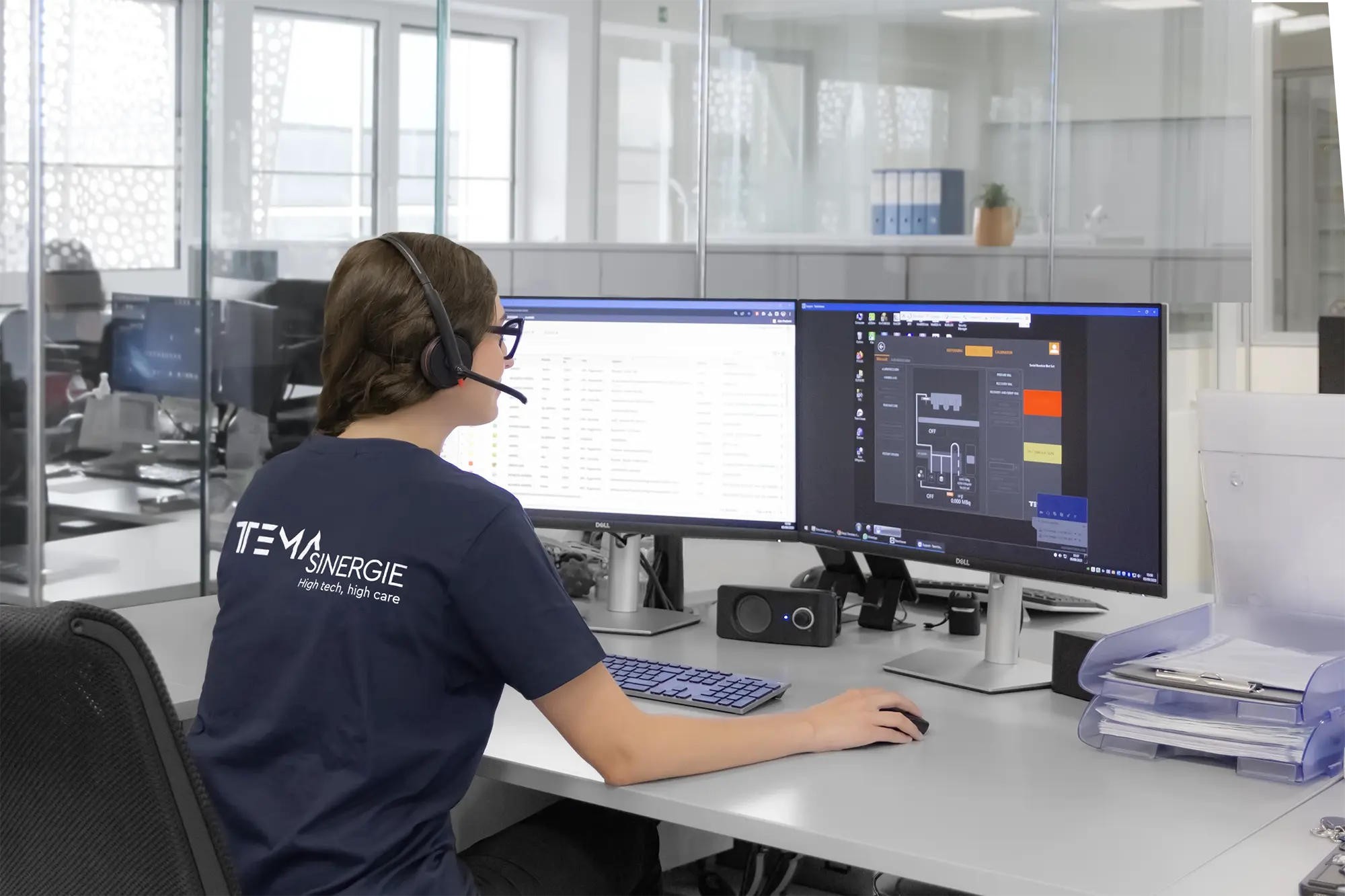
Comprehensive support throughout the entire project lifecycle.
Discover our services
Insights, Events and Technical Content from Tema Sinergie
Explore Our Resources
Insights, Events and Technical Content from Tema Sinergie
Explore Our Resources
Insights, Events and Technical Content from Tema Sinergie
Explore Our Resources
Discover more about the Tema Sinergie Group and its international presence.
Learn more about the Company
Discover more about the Tema Sinergie Group and its international presence.
Learn more about the CompanyDiscover more about the Tema Sinergie Group and its international presence.
Learn more about the Company
Discover more about the Tema Sinergie Group and its international presence.
Learn more about the Company
Discover more about the Tema Sinergie Group and its international presence.
Learn more about the Company
Technical support featuring a dedicated ticketing system, expert diagnostics, and remote assistance, designed to reduce response times, minimize downtime, and ensure the operational continuity of systems.
Help Desk
A structured assessment and a timely diagnosis make it possible to quickly identify the cause of the problem and begin the most effective treatment plan.
Remote troubleshooting allows for real-time intervention on many issues, reducing the impact on production continuity.
When a problem can be resolved remotely, travel time and costs are avoided, and on-site service is only scheduled when truly necessary.
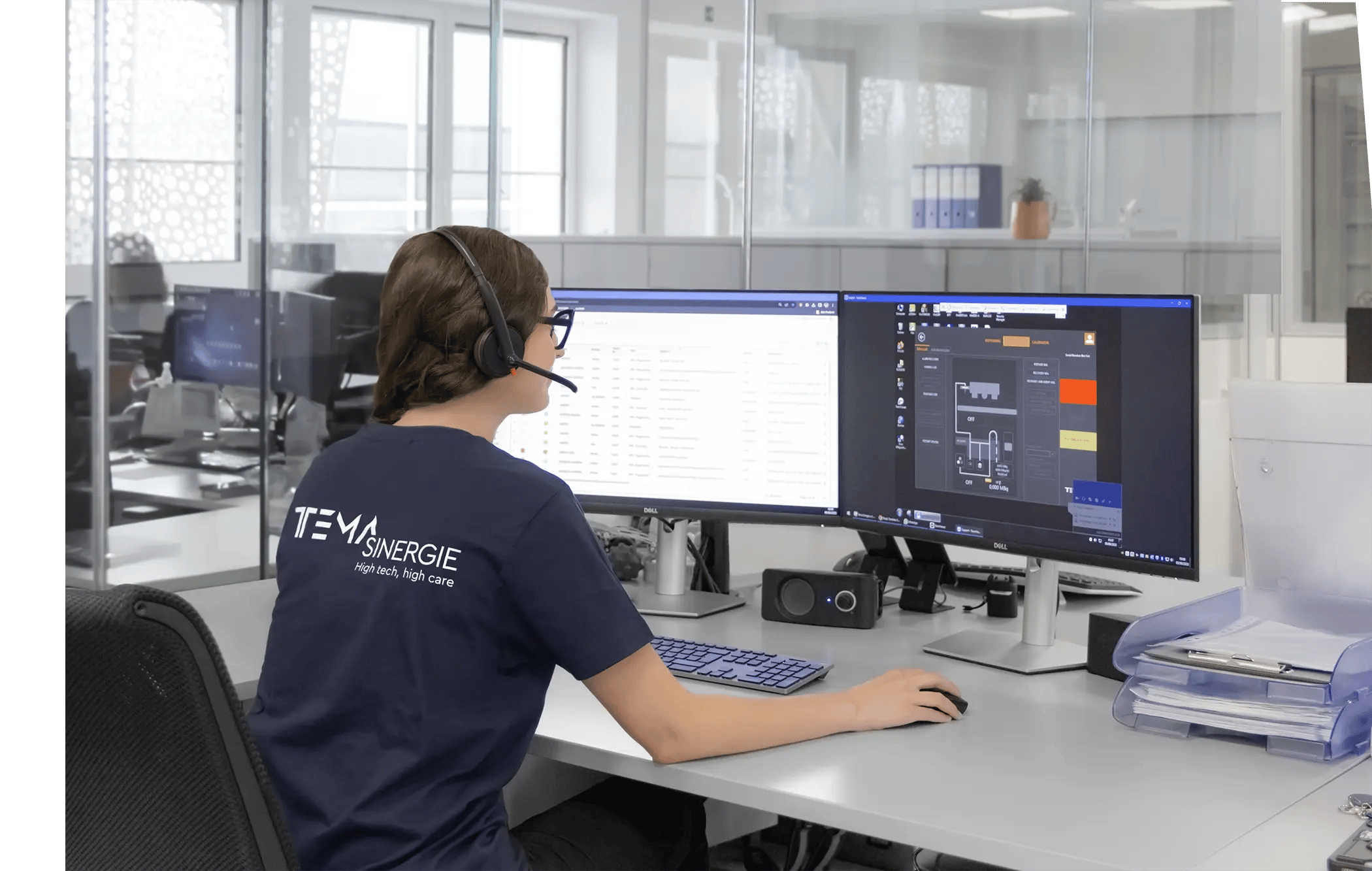
The Help Desk is the nerve center of Tema Sinergie’s support services: a single point of contact designed to offer immediate assistance and direct every request toward the fastest and most efficient solution.
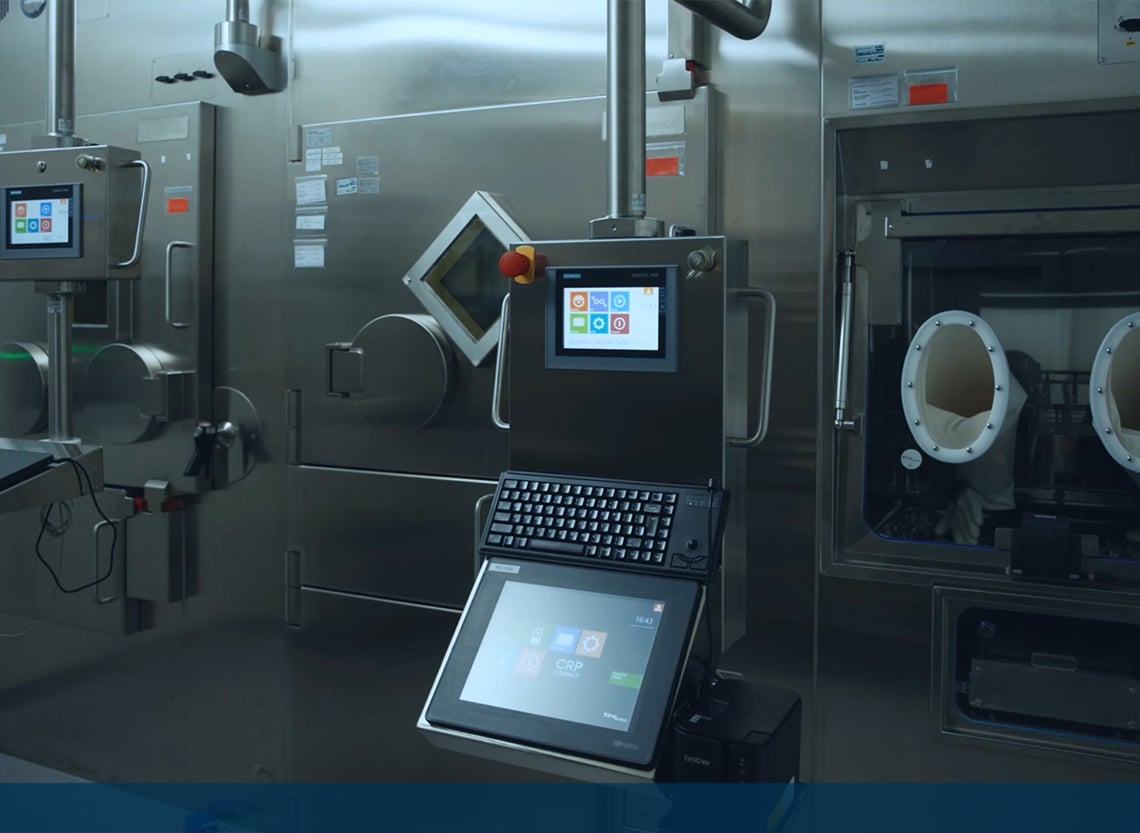
The process begins with a thorough diagnostic assessment conducted by specialized technicians. Thanks to a secure VPN connection and the SECOMEA module’s 4.0 technology, our experts can connect to the equipment, analyze the issue, and verify the system’s status in real time.
Once the cause is identified and the issue can be resolved remotely, the team restores the parameters and functionality, minimizing disruption to operations. If, on the other hand, on-site intervention is necessary, the Help Desk coordinates the dispatch of the on-site maintenance service, ensuring a seamless transition to on-site support at the customer’s location.
Help Desk

Every request is recorded, tracked, and managed in accordance with the agreed-upon service level, with visibility into the system’s progress and technical history.
Specialized technicians analyze the report to identify the source of the problem and determine the most effective recovery strategy.
.svg)
Through a secure VPN connection based on the SECOMEA module, the team can take action, reducing wait times and operating costs.

If remote resolution is not possible, the Help Desk forwards all the information gathered to the field team and coordinates the on-site visit at the customer's location.
HELP DESK
In the event of an unexpected situation, getting the right answer exactly when you need it can make all the difference.
A timely diagnosis allows you to identify the source of the issue, avoid ineffective troubleshooting attempts, and immediately direct support toward the most effective course of action.
Relying on the Tema Sinergie Help Desk means:
Access to a dedicated ticketing system.
Relying on defined and agreed-upon service times.
Receiving professional and concrete technical diagnoses.
Resolve issues remotely when possible.
Quickly arrange for on-site support when necessary.
Help Desk
A structured process makes support faster, more traceable, and more predictable—from the initial report through verification of resolution.
01
Recording and tracking the received report, along with the information needed to assess its priority and operational impact.
02
Review the support ticket within the timeframes specified in the support plan and assign it to a specialized technician to resolve the issue.
03
Collection of available evidence and, where applicable, a 4.0 diagnosis using the SECOMEA module to identify the root cause and distinguish between software and hardware issues.
04
Restore the system via a VPN connection or, if necessary, forward the ticket to the on-site team along with the diagnostic report that was collected.
05
Verify with the customer that the issue has been properly resolved, close the ticket, and log the activities in the system’s technical history.
Maintenance is part of the project, not a one-time event.
Preoperative Approach
Planned and monitored activities to reduce impacts on people and the environment.
Verifications, checks, and decisions based on technical findings, not assumptions.
Traceability and documentation designed for regulated environments.
FAQ
Technical clarifications regarding applications, requirements, and support.
Solutions can cover workflows, technical requirements, operational integration, and staff support.
Evaluate volumes, spaces, existing processes, and the required level of automation to determine the correct configuration.
Projected volumes, available layouts, facility constraints, and operational objectives help form an initial analysis.
Contact us to find out how our after-sales services can improve the efficiency of your systems.
We’re here to help with any of your needs.
After-Sales Service
We offer a comprehensive maintenance service that includes annual preventive maintenance.
Commissioning and controlled startup to integrate the system into the workflow and stabilize operations.
Operational and procedural training for operators and maintenance personnel, focused on safety and consistency.